A versatile editor for macOS

Make room for
good ideas.

From quick notes to code and Markdown, Notepad brings the tools you need into one clear, capable workspace.

Limited-time offer · $19.99, regularly $49.99 · No subscription
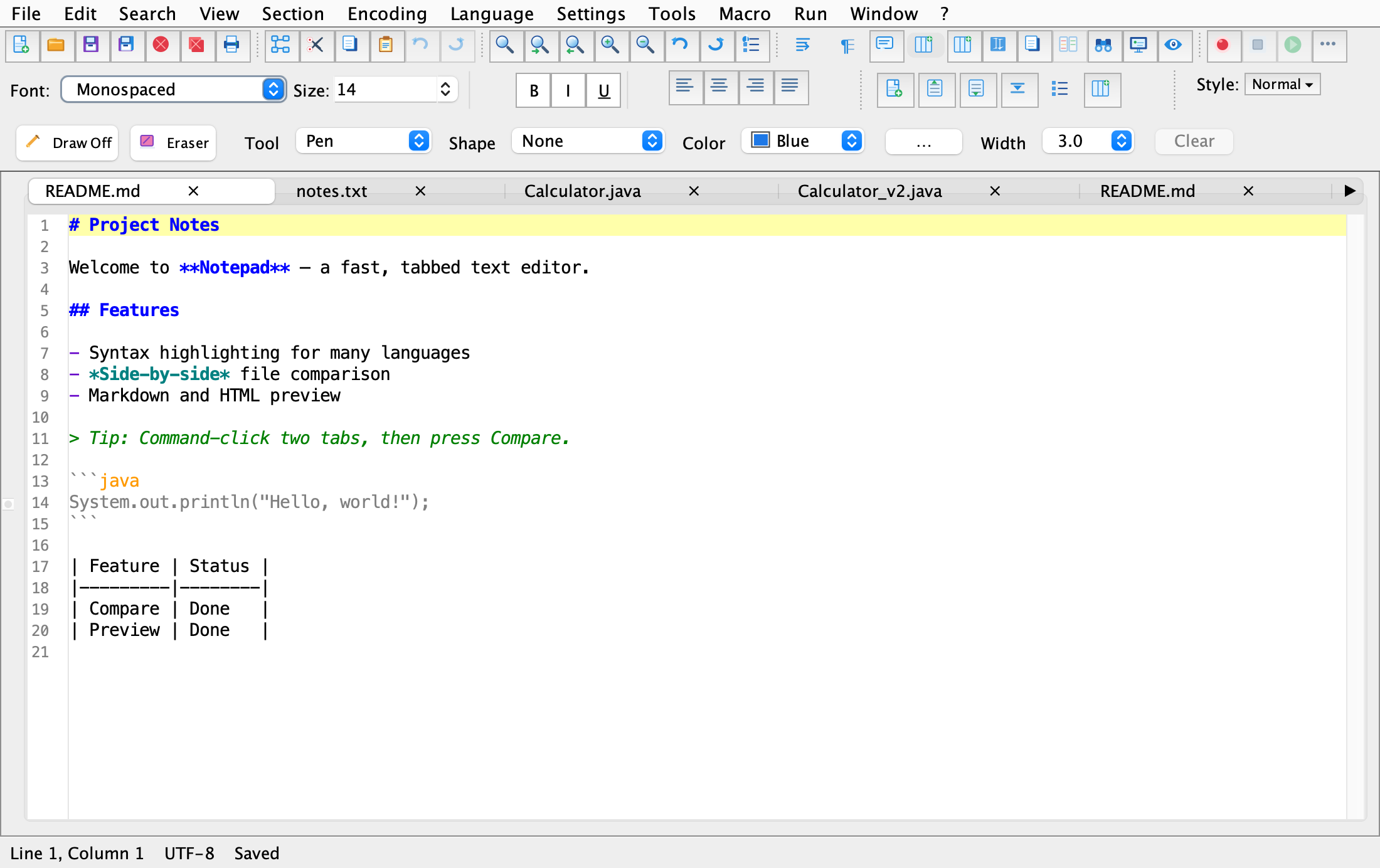
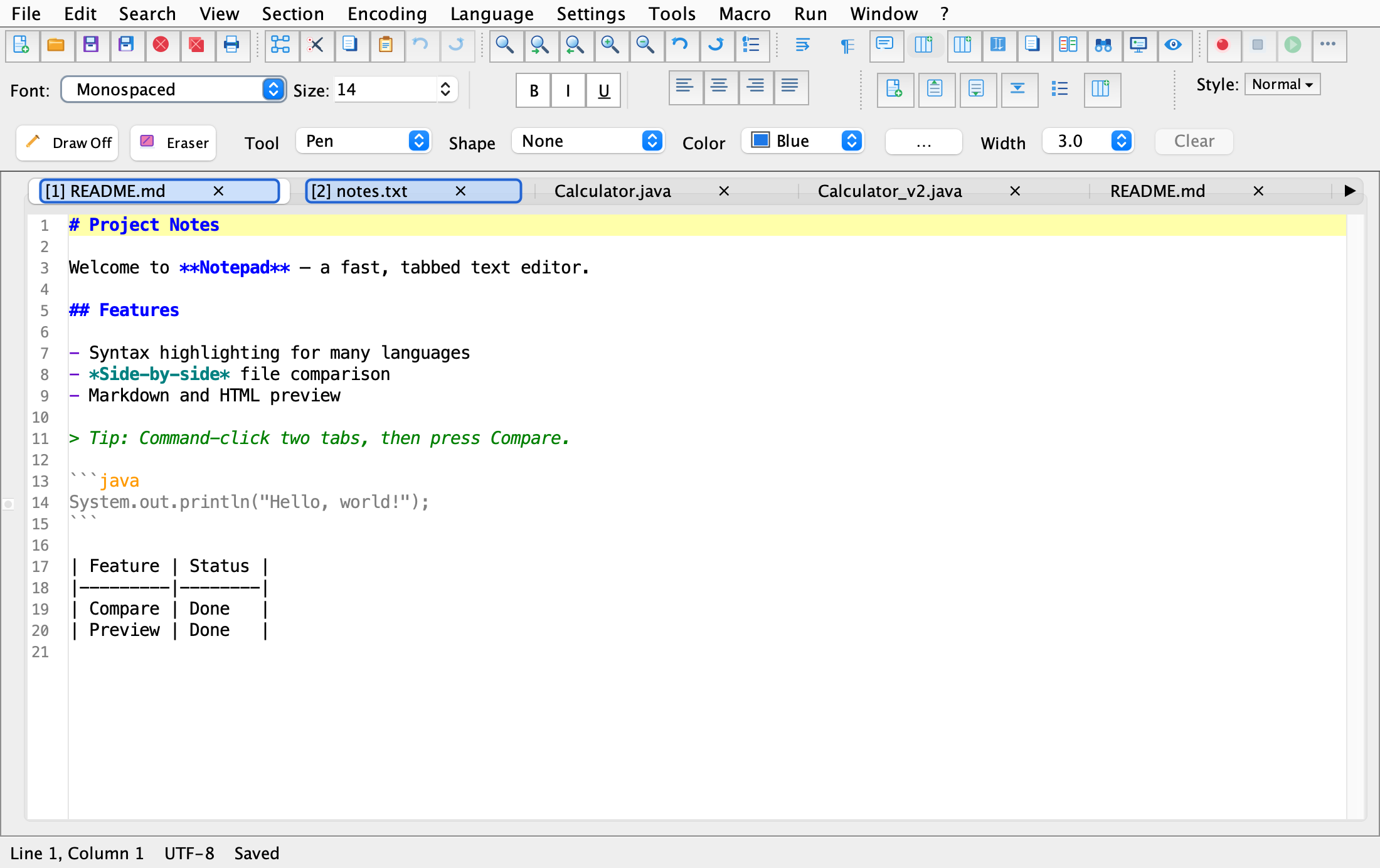
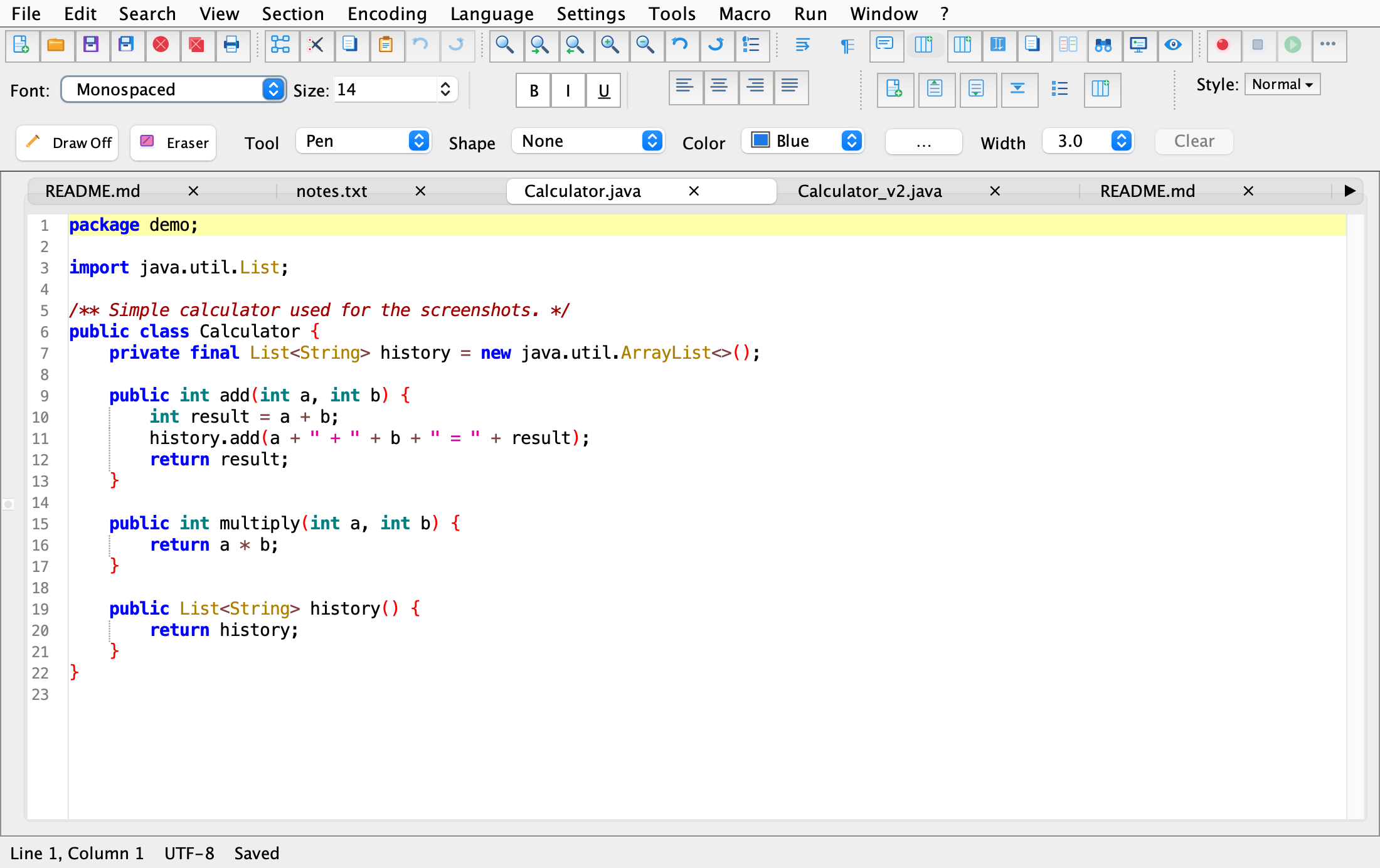
Notepad for Mac showing syntax-highlighted code, multiple document tabs, a formatting toolbar, and drawing controls
Your ideas, all in one workspace
⌘Made for a Mac workflow
AaNotes, Markdown & code
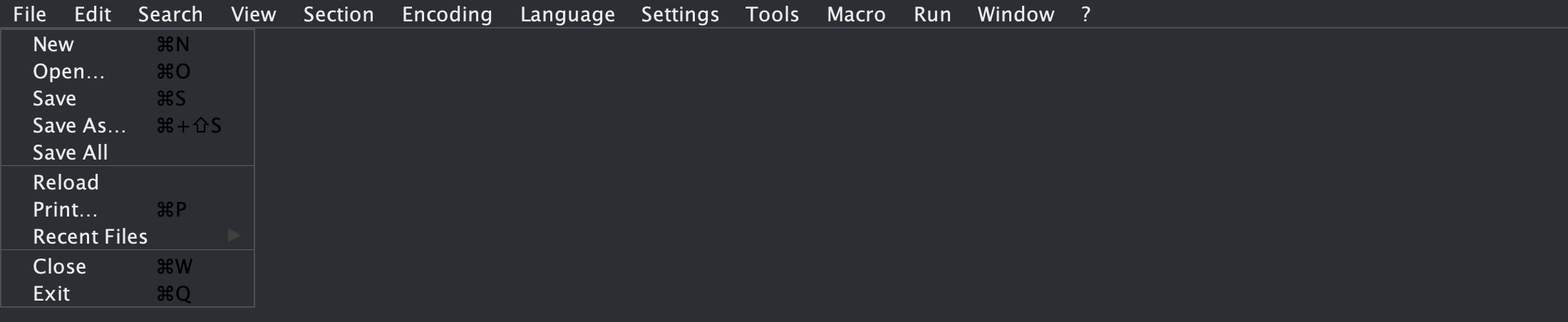
⇄Compare files side by side
$Pay once, use without a subscription

One editor. More possibilities.

Everything you need
to get into a flow.

Go from a blank page to a finished draft, then switch straight into your next task—without changing your tools.

01
⌨

Write and code in one place

Work in plain text, Markdown, or code with syntax highlighting, line numbers, tabs, and the familiar editing tools you expect.

02
◫

See your Markdown take shape

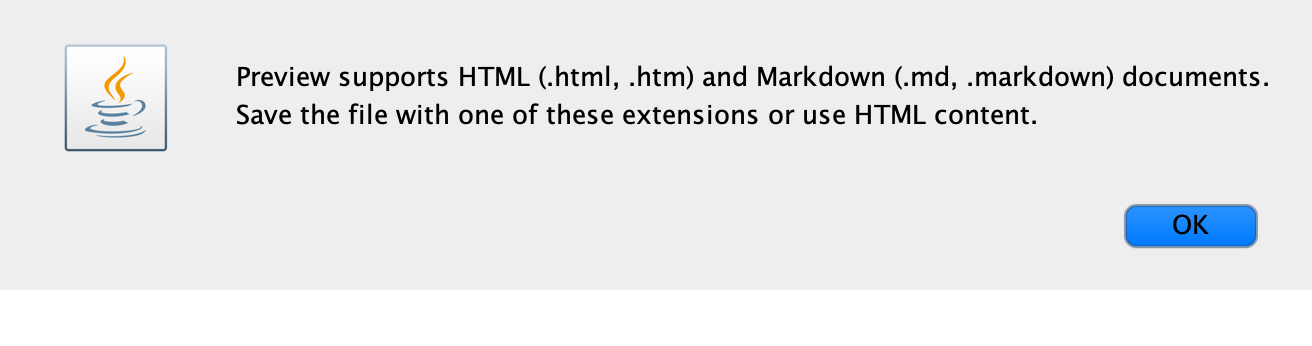
Write with Markdown, preview the rendered result, and move between editing and reading as your document comes together.

03
⇄

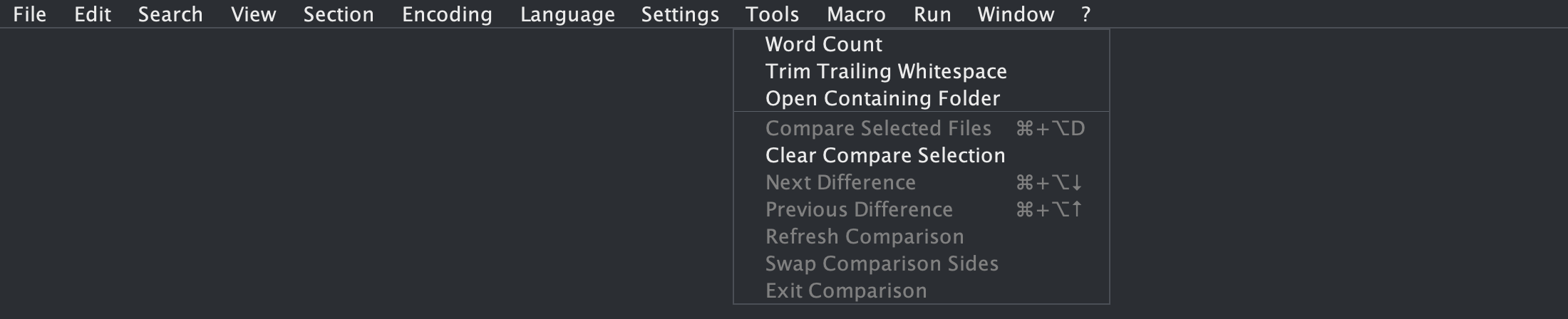
Compare changes clearly

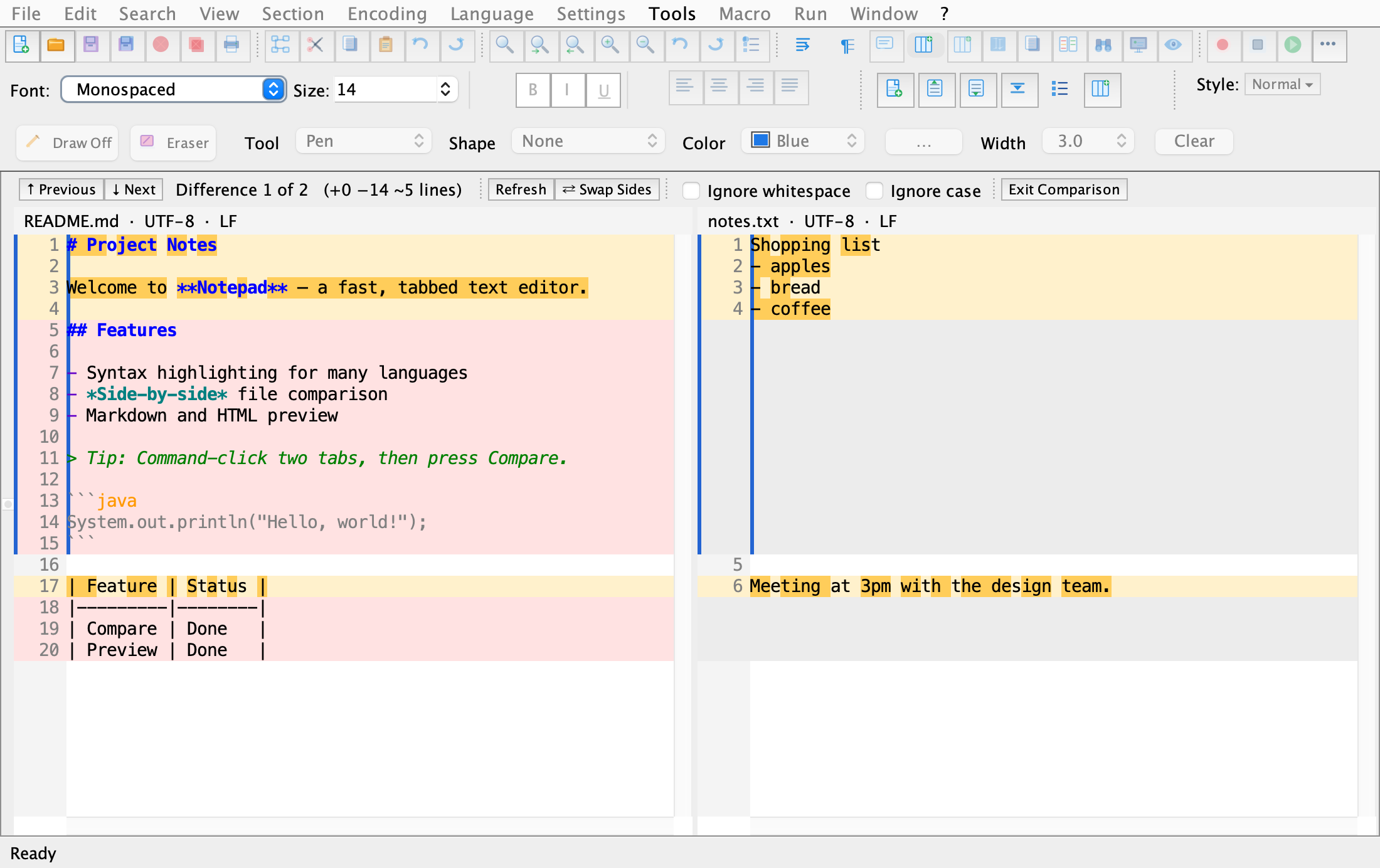
View two documents side by side, navigate between differences, and keep the changes that matter in view.

04
⌕

Find your way through a file

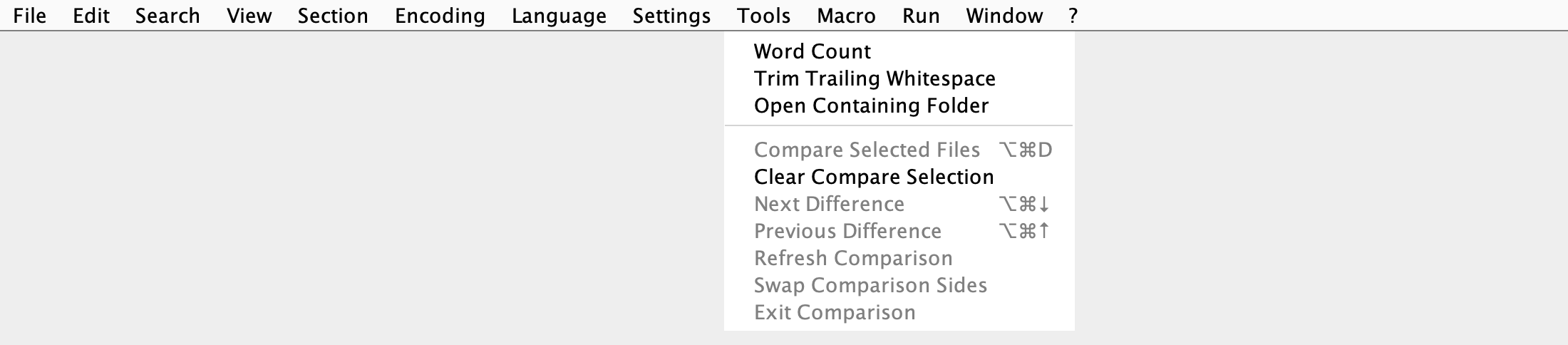
Use search and replace, a document map, word count, and preferences to make larger writing and editing tasks easier to manage.

A closer look

See what’s possible.

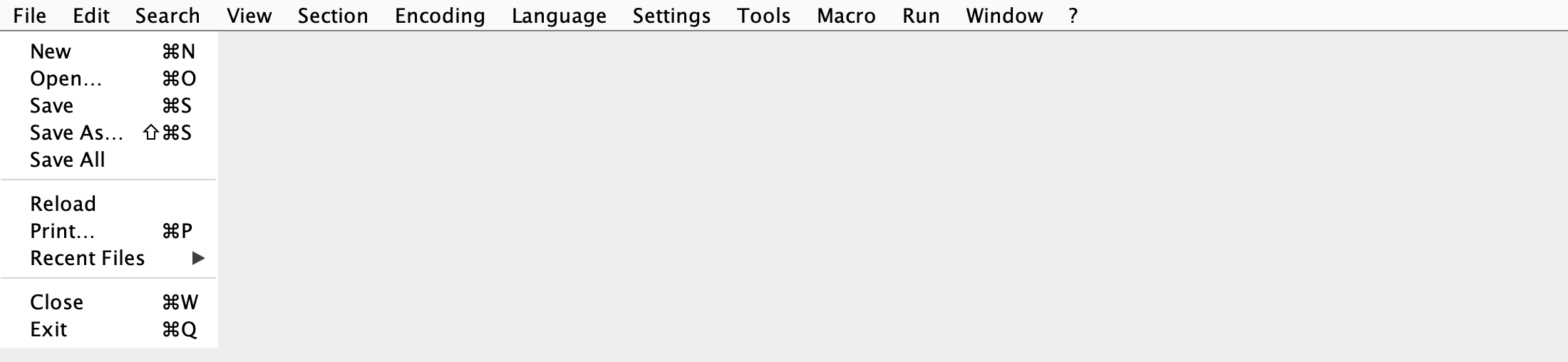
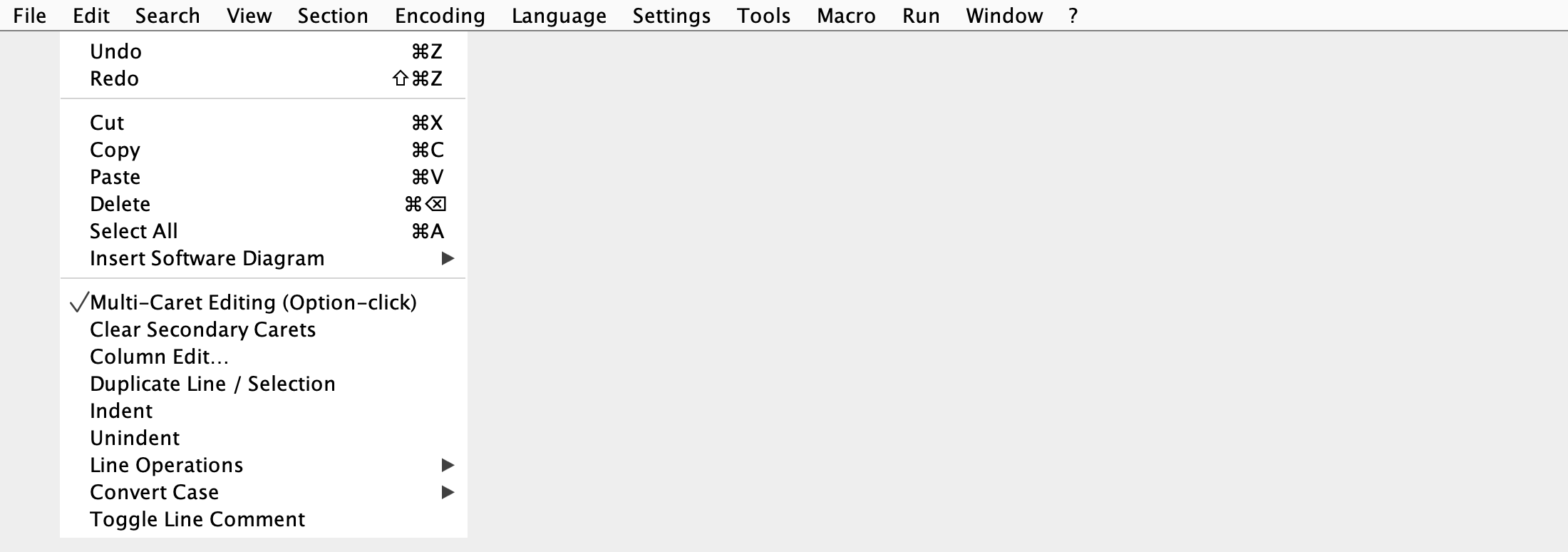
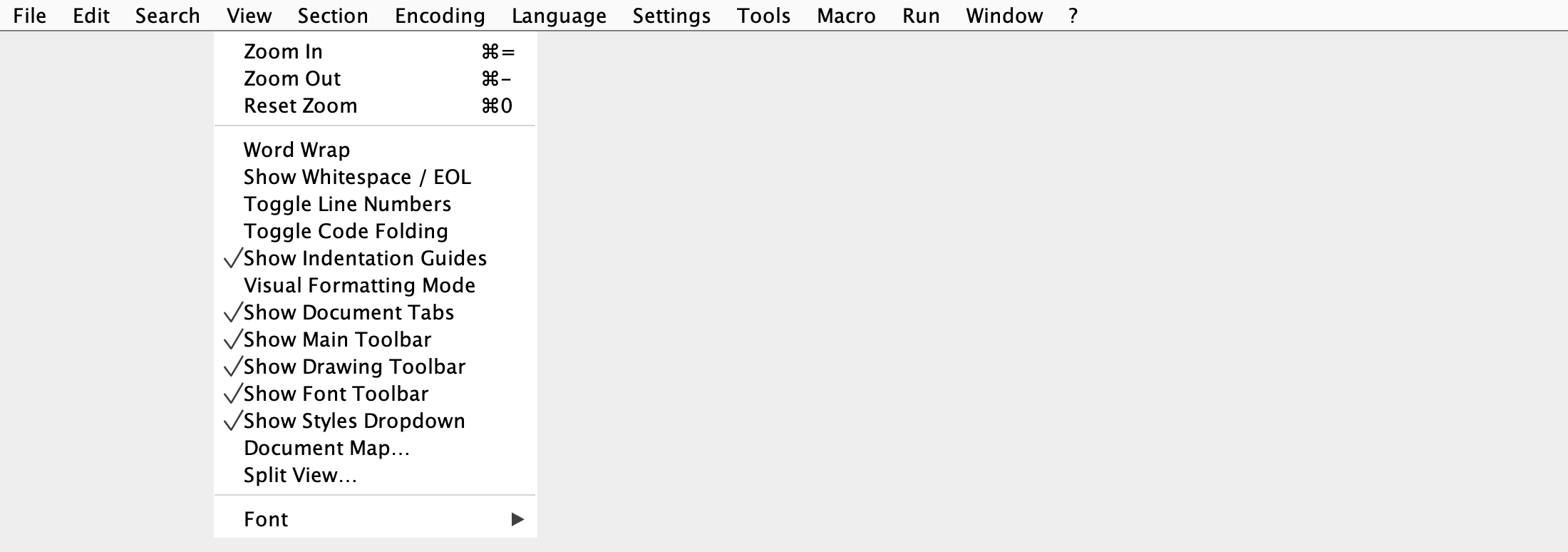
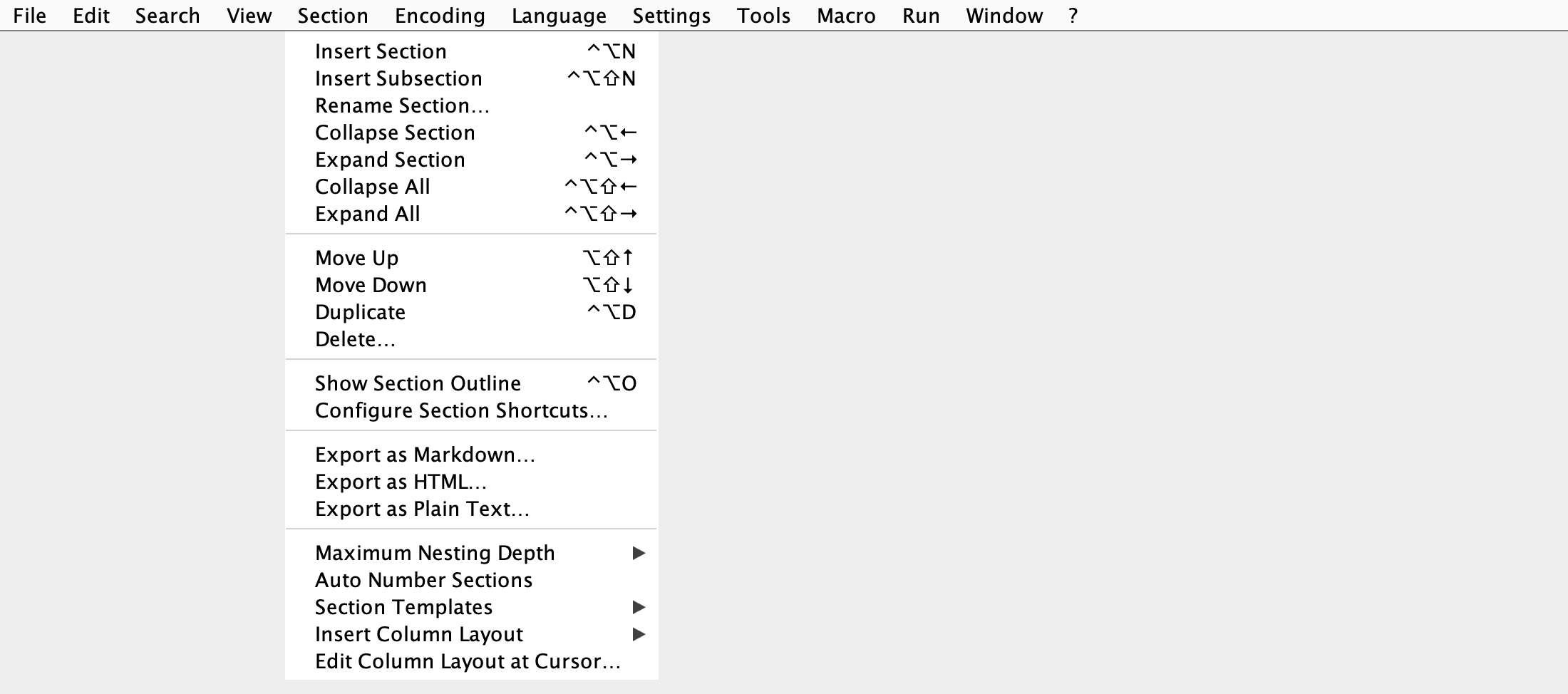
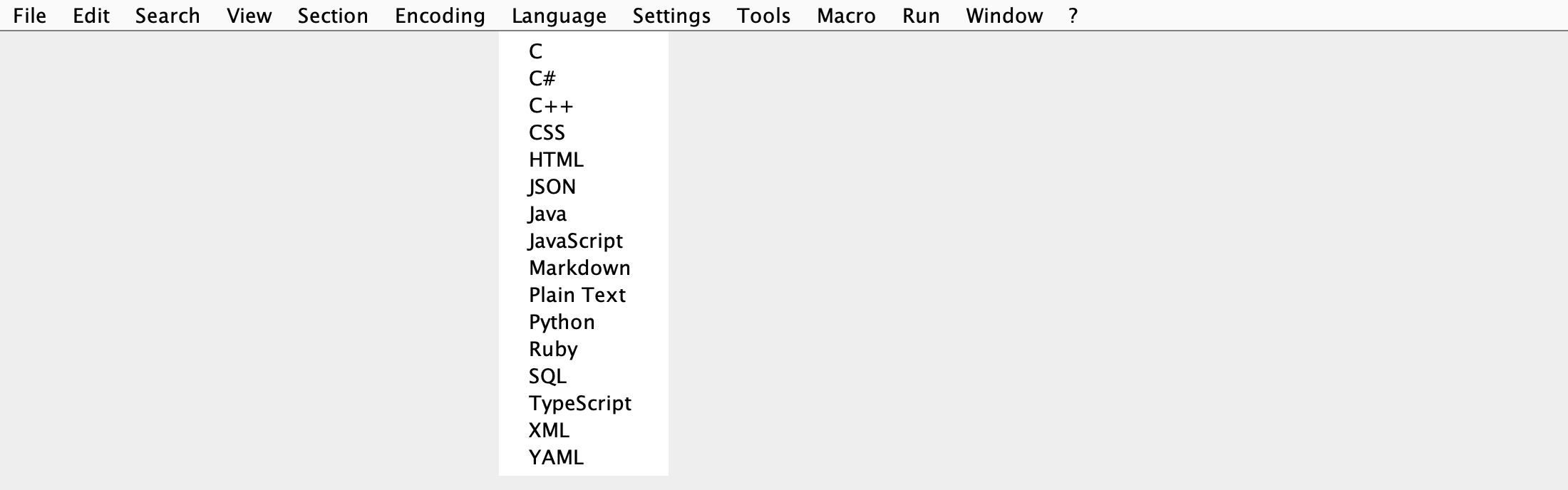
Explore the editor, Markdown tools, file comparison, and the menus that bring it all together.
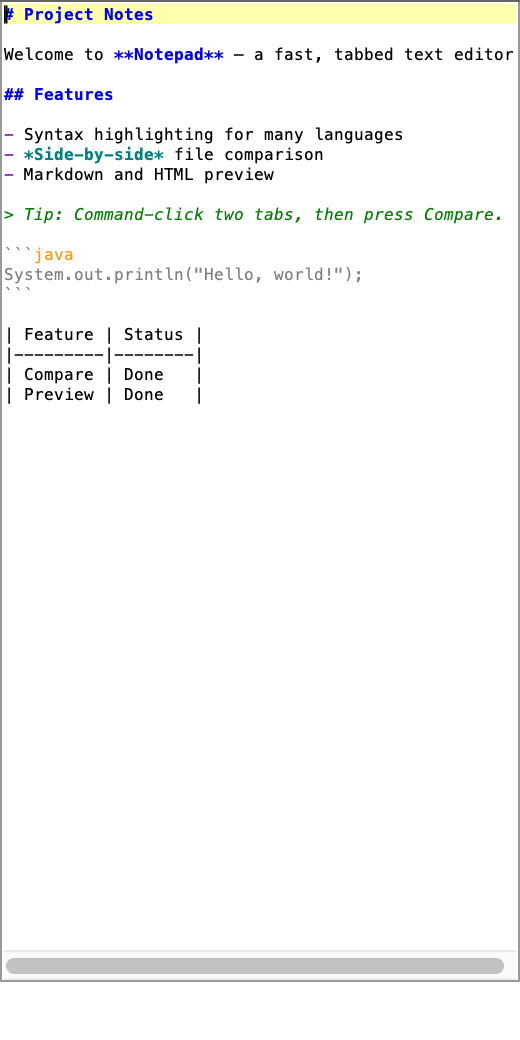
Editing a Markdown document with syntax highlighting, line numbers, and multiple open tabs
Markdown, made comfortableKeep your structure and content easy to scan.
Previewing a formatted Markdown document in Notepad
Preview as you workCheck how your Markdown reads when rendered.
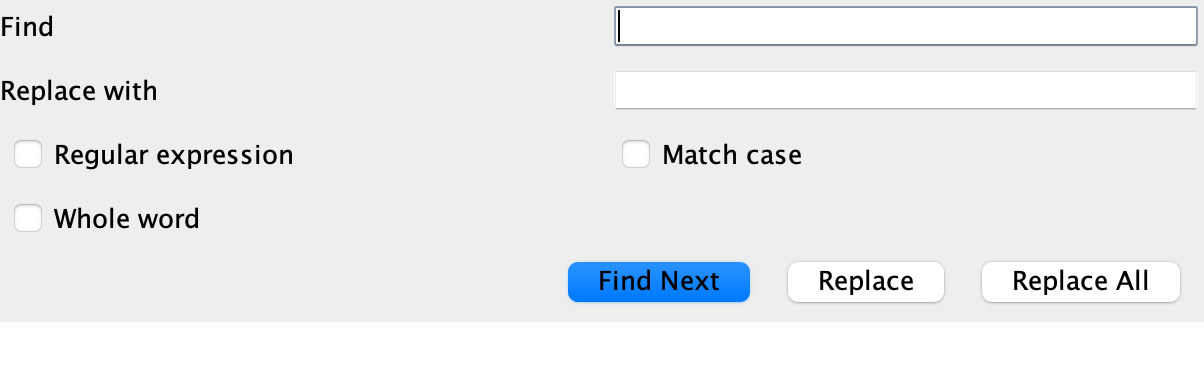
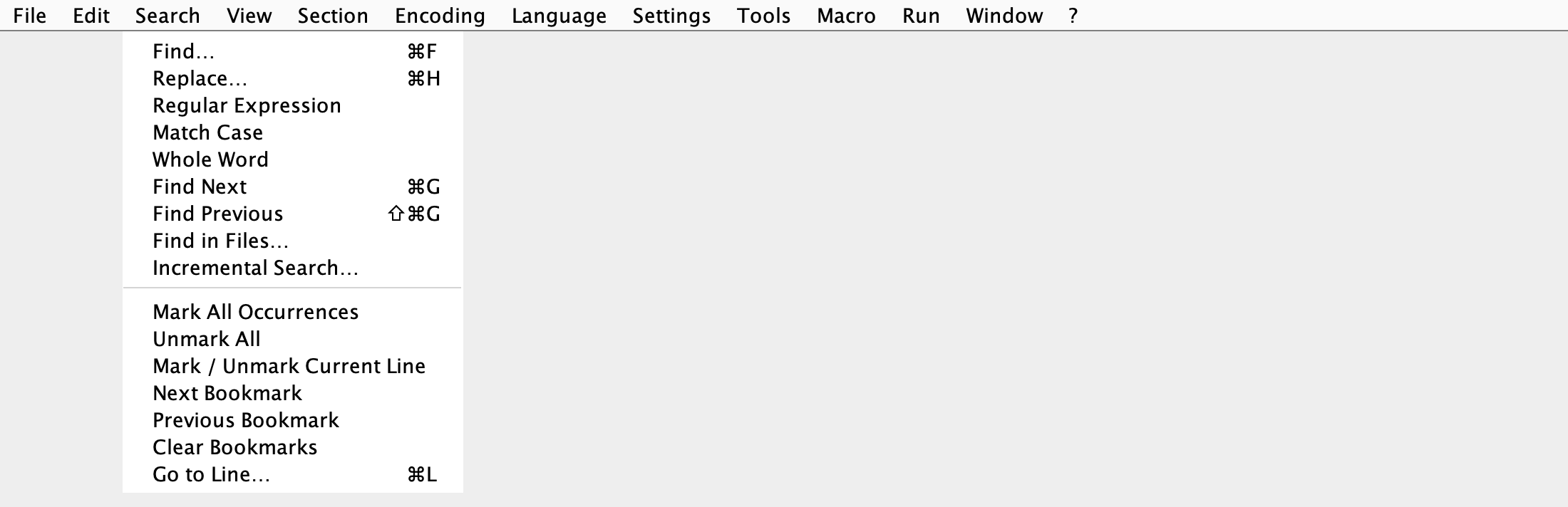
Find and replace controls in Notepad
Search with purposeFind and replace right inside your editor.
Document map showing the structure of an open file
Navigate at a glanceGet a compact overview of your document.
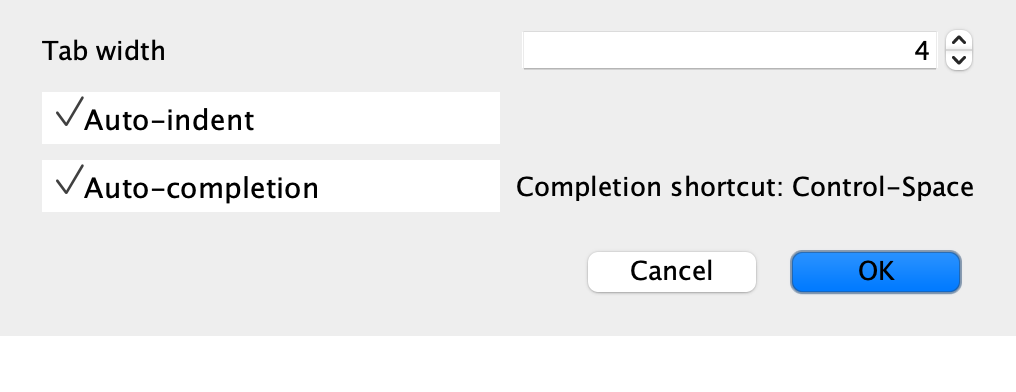
Notepad preferences for tab width, auto-indent, and auto-completion
Set up your workspaceAdjust editor preferences to suit your style.
Selecting two document tabs to compare in Notepad
Choose what to compareSelect documents and bring them together.
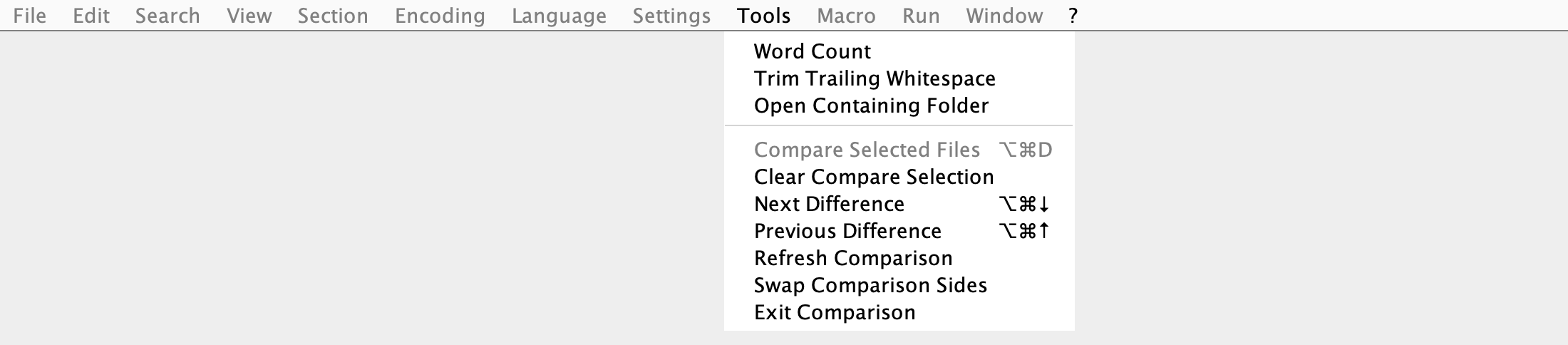
Two text files displayed side by side with differences highlighted
Compare side by sideSee changes clearly across two documents.
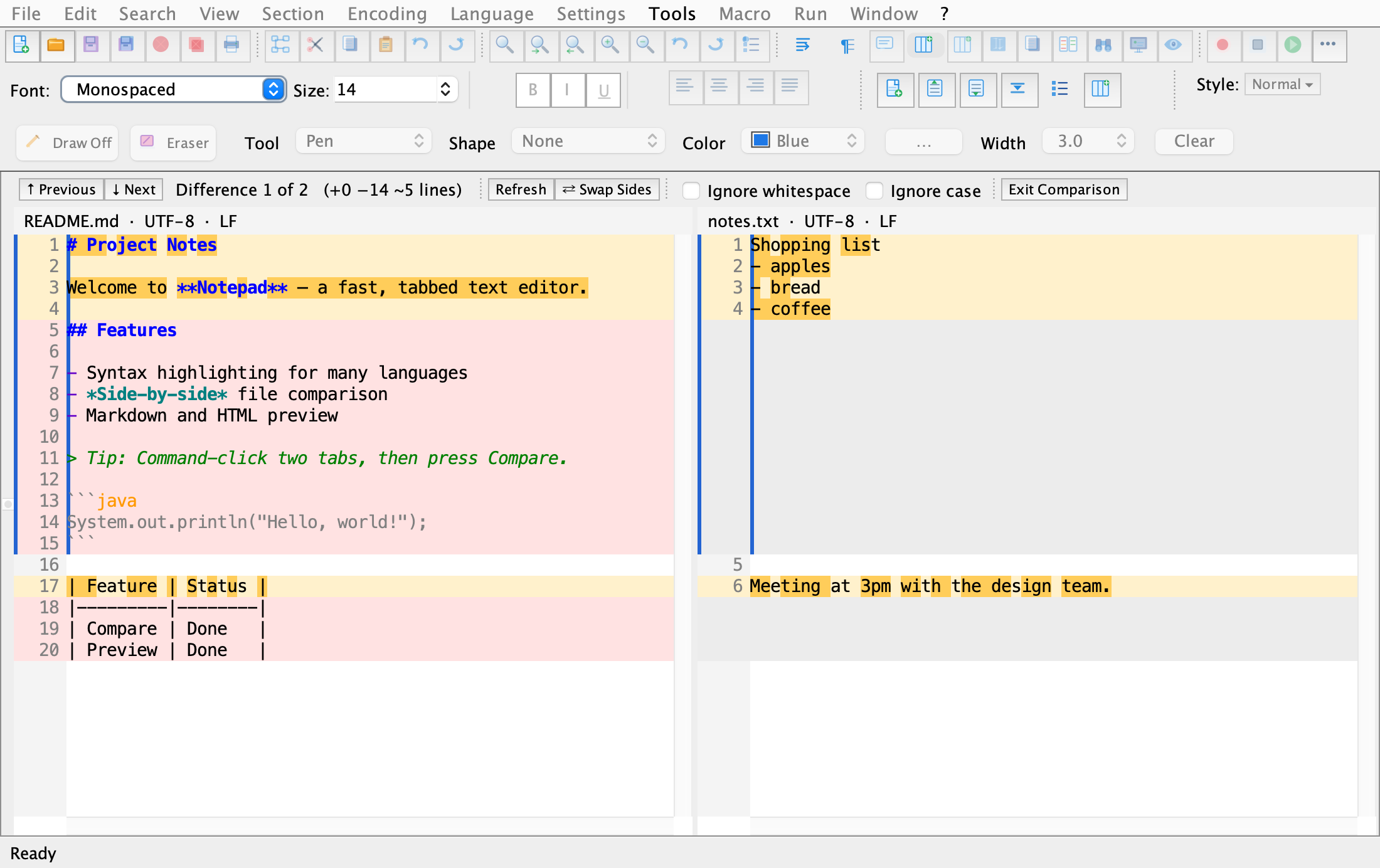
Side-by-side comparison with controls for moving between differences
Move through differencesStep through changes without losing context.
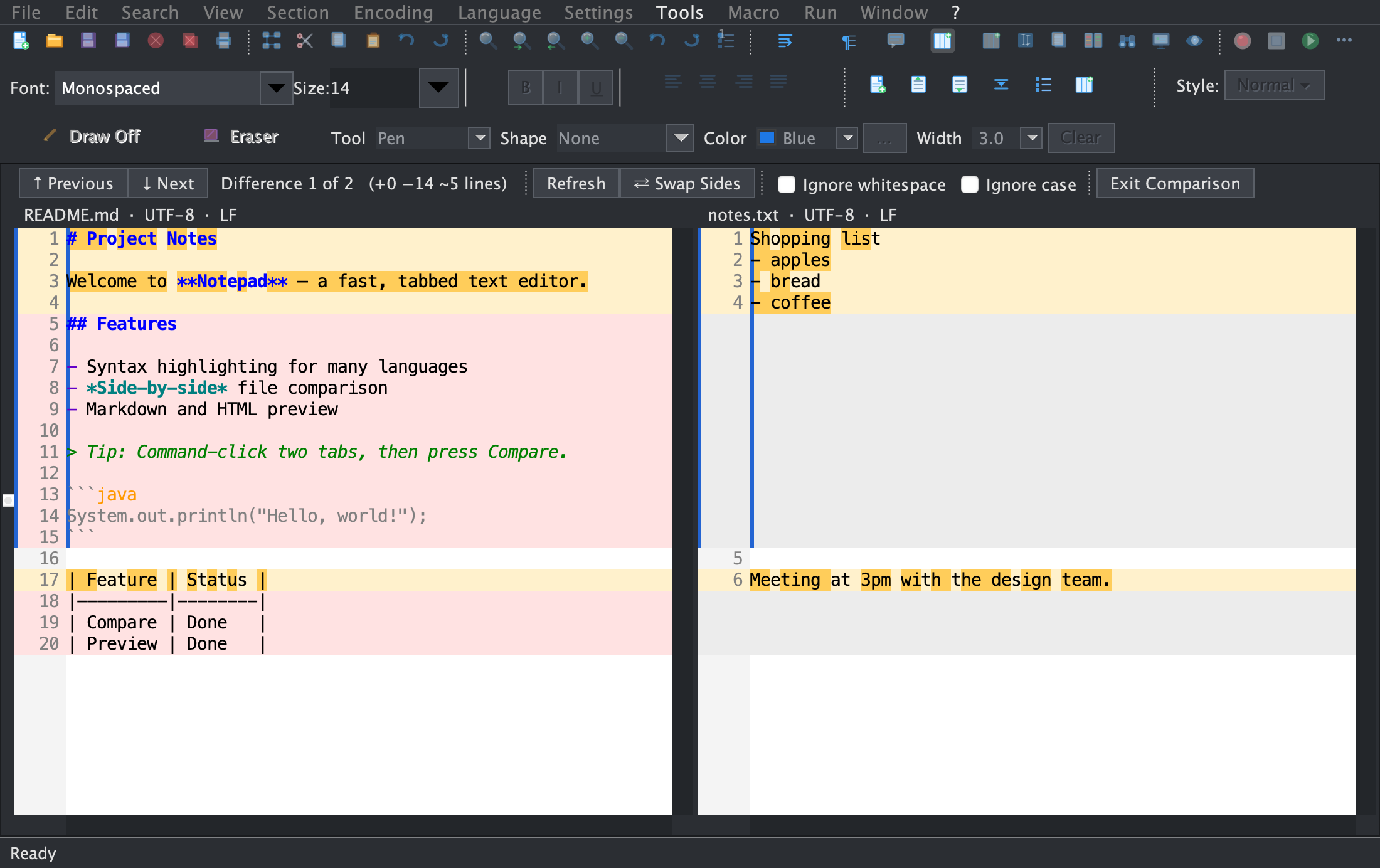
Side-by-side file comparison in Notepad's dark theme
Compare in dark modeReview changes in a darker workspace.
Rendered Markdown preview in Notepad's dark theme
Preview in dark modeRead your rendered Markdown in a dark workspace.

Limited-time offer

More room to create.
Less to pay.

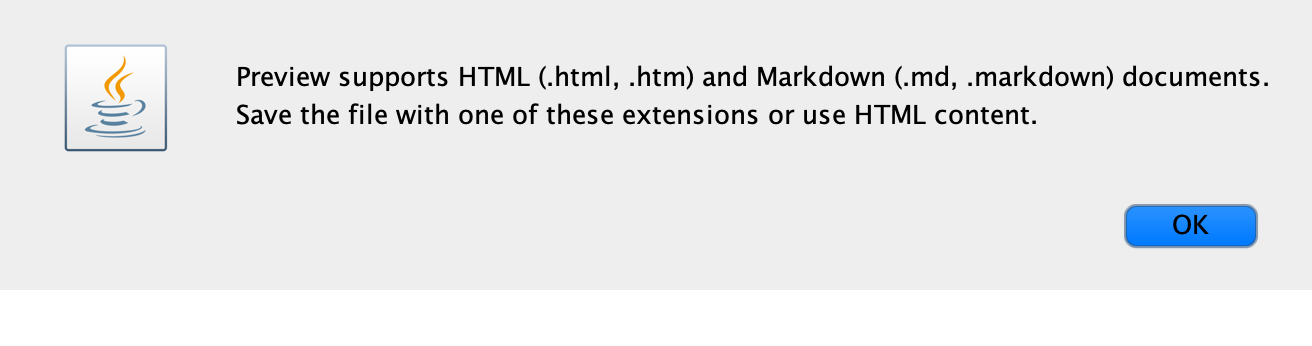
Get Notepad for macOS for $19.99, reduced from $49.99. Pay once—no monthly plan or subscription—and get the tools to write, edit, and get things done.

  • Notepad for macOS
  • Limited-time price: $19.99 (regularly $49.99)
  • Secure checkout by card or PayPal

LIMITED-TIME OFFER

Notepad for Mac

$19.99 USD

Regularly $49.99 Save $30

One-time purchase · No subscription

Secure payment · Digital download

Less friction. More flow.

Make Notepad yours